
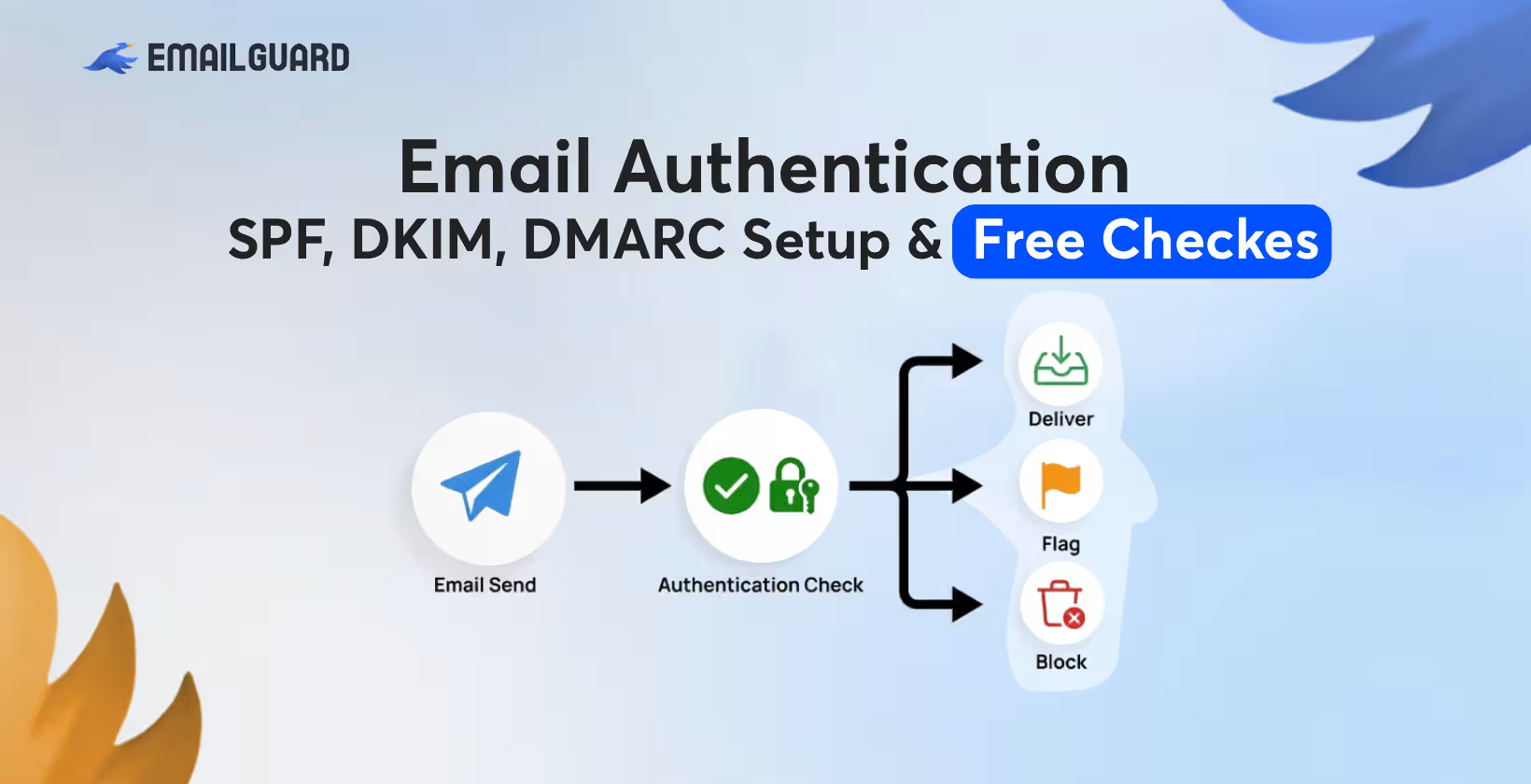
Every day, billions of emails are sent, and a significant share of them are forged. Spammers and phishers routinely spoof legitimate domains to trick recipients into clicking malicious links, handing over credentials, or wiring money to the wrong account. Email, by design, was never built with authentication in mind: the original SMTP protocol lets anyone claim to be sending from any address.
Three interlocking standards were created to fix this: SPF (Sender Policy Framework), DKIM (DomainKeys Identified Mail), and DMARC (Domain-based Message Authentication, Reporting & Conformance). Together, they let receiving mail servers verify that a message really came from who it claims to be from, and tell those servers what to do if it didn't.
Why Does Email Authentication Matter?
Before diving into the technical setup, it's worth understanding the stakes:
Deliverability: Major mailbox providers (Gmail, Yahoo, Microsoft) increasingly require SPF, DKIM, and DMARC for bulk senders. Without them, your legitimate marketing or transactional emails may land in spam, or get rejected outright.
Brand protection: Without DMARC, anyone can send an email that appears to come from your domain. This is a common vector for business email compromise (BEC) and invoice fraud.
Trust signals: Authenticated email builds sender reputation over time, which improves inbox placement across the board.
Compliance: Google and Yahoo's 2024 sender guidelines made SPF, DKIM, and DMARC effectively mandatory for anyone sending more than ~5,000 emails a day to their users, and many other providers have followed similar policies since.
What Are SPF, DKIM, and DMARC, and How Do They Differ?
These three protocols work together to verify that an email is really from who it claims to be from, and to fight spoofing, phishing, and spam. They operate independently but complement each other, and together they form the backbone of modern email authentication.
SPF (Sender Policy Framework)
What it does:
SPF lets a domain owner publish a list of mail servers (IP addresses) that are authorized to send email on behalf of that domain.
How it works:
The domain owner adds a DNS TXT record listing approved sending IPs/servers.
When a receiving mail server gets an email, it checks the "envelope from" address (the technical sender address used during SMTP transmission, not necessarily what you see in your inbox).
It looks up the SPF record for that domain and checks whether the sending server's IP is on the approved list.
If it matches → SPF pass. If not → SPF fail (or soft fail, depending on policy).
Example SPF record:
v=spf1 include:_spf.google.com include:mailgun.org ~all
Limitations:
SPF checks the envelope sender, not the "From" address you see in your email client, so it doesn't fully protect against display-name spoofing.
SPF breaks when email is forwarded, because the forwarding server's IP isn't on the original domain's approved list.
SPF records have a 10 DNS lookup limit, which can be a technical headache for complex setups.
DKIM (DomainKeys Identified Mail)
What it does:
DKIM adds a cryptographic signature to outgoing emails, proving the message wasn't altered in transit and confirming it actually came from the claimed domain.
How it works:
The sending server generates a public/private key pair.
The public key is published in a DNS TXT record.
Each outgoing email gets signed with the private key, generating a hash of specific headers and body content, added as a DKIM-Signature header.
The receiving server looks up the public key via DNS and verifies the signature.
If the signature is valid and the content matches → DKIM pass.
Example DKIM DNS record (selector-based):
selector1._domainkey.example.com TXT "v=DKIM1; k=rsa; p=MIGfMA0GCS..."
Limitations:
DKIM verifies integrity and origin of the signed content, but doesn't inherently check the visible "From" address, so it can still be paired with spoofing tricks unless combined with other checks.
DKIM survives forwarding better than SPF (since the signature travels with the message), but can break if a forwarding service modifies the email body/headers.
DMARC (Domain-based Message Authentication, Reporting & Conformance)
What it does:
DMARC ties SPF and DKIM together and adds a critical missing piece: it checks whether the domain in the visible "From" header (what the recipient sees) aligns with the domains validated by SPF and/or DKIM. It also tells receiving servers what to do if a message fails, and provides reporting.
How it works:
The domain owner publishes a DMARC policy via DNS TXT record.
The policy specifies:
Alignment requirements (does the From address match the SPF/DKIM validated domain?)
What action to take on failure: none (monitor only), quarantine (send to spam), or reject (block entirely)
Where to send aggregate/forensic reports about pass/fail activity
A message passes DMARC if it passes SPF or DKIM, and the corresponding domain is "aligned" with the visible From address.
Example DMARC record:
v=DMARC1; p=quarantine; rua=mailto:[email protected]; pct=100
Why it matters:
DMARC is what actually enforces action. Without it, SPF and DKIM can each pass or fail, but there's no unified policy telling receiving servers what to actually do about failures, and no feedback loop telling the domain owner that spoofing is happening.
What Order Should You Set Up SPF, DKIM, and DMARC In?
Publish SPF for all known senders (soft fail ~all initially).
Enable DKIM signing on all sending platforms.
Publish DMARC at p=none and start collecting reports.
Review reports, fix misalignment, add any missed senders to SPF/DKIM.
Tighten SPF to -all.
Move DMARC to p=quarantine, then p=reject, increasing pct gradually.
Continue monitoring reports on an ongoing basis.
This staged approach avoids the single biggest real-world failure mode: turning on strict enforcement before every legitimate sending source is accounted for, which can silently break invoices, password resets, newsletters, or other business-critical email.
What Are the Best Free SPF, DKIM, and DMARC Checker Tools?
Several free tools can help you inspect DNS records and test email authentication. The right choice depends on whether you need a simple DNS lookup, a message-level test, or ongoing DMARC monitoring.
MXToolbox: Useful for checking SPF, DKIM, DMARC, DNS records, and blacklist information.
Google Admin Toolbox: Useful for DNS and diagnostic lookups.
dmarcian: Provides DMARC analysis and tools for examining authentication configurations.
EasyDMARC: Offers SPF, DKIM, and DMARC-related checking and monitoring features.
Mail-Tester: Lets you send a test email and review authentication and deliverability-related signals.
Postmark DMARC tools: Provides tools for generating and working with DMARC records.
DNS Checker: Useful for checking DNS propagation across different locations.
For a broader selection of testing and monitoring platforms, 11 Best Email Deliverability Tools: Reviewed & Tested in 2026 provides additional options.
How Do You Troubleshoot SPF, DKIM, and DMARC Issues?
When SPF, DKIM, or DMARC is not validating correctly, start by checking the DNS records, authentication settings, and alignment between your sending services and domain. Most issues come from incorrect records, missing configurations, or changes made by third-party email platforms.
Check for duplicate SPF records:
Make sure your domain has only one SPF TXT record beginning with v=spf1. Multiple SPF records can cause an SPF PermError. If several services send email for your domain, combine their authorized sources into a single SPF record.
Check the SPF lookup limit:
SPF allows a maximum of 10 DNS-based lookups during authentication. Multiple include, a, mx, and similar mechanisms can quickly increase the lookup count and cause SPF to fail.
Confirm the DKIM selector:
Check that the selector configured in your email platform exactly matches the selector published in DNS. If the selector is incorrect or the public key is missing, receiving servers cannot retrieve the DKIM key needed to verify the signature.
Allow time for DNS changes:
DNS updates may not appear immediately. Check the record using a DNS lookup tool and consider the TTL configured by your DNS provider before assuming the change failed.
Check DMARC alignment:
A successful SPF or DKIM result alone does not guarantee DMARC will pass. The authenticated domain must align with the domain shown in the visible From address according to your DMARC alignment settings.
Check for DKIM-breaking changes:
Mailing lists, forwarding services, security gateways, and other intermediaries may modify message content after DKIM signing. These changes can invalidate the original DKIM signature.
Review DMARC reports:
DMARC aggregate reports can show which services are sending email on behalf of your domain and identify authentication failures you may otherwise miss.
Check every new sending platform:
When you add a CRM, marketing platform, helpdesk, or other email service, verify its SPF and DKIM requirements. Update your authentication setup before sending from the new service.
By checking these areas systematically, you can identify most SPF, DKIM, and DMARC problems and fix authentication issues before they negatively affect your domain's email security and deliverability.
Why Should You Set Up All Three Together?
Setting up SPF, DKIM, and DMARC together gives your domain stronger email authentication, better security, and greater protection against spoofing and phishing.
SPF confirms which servers and services are authorized to send emails on behalf of your domain.
DKIM adds a digital signature to your emails, helping receiving servers verify that the message is authentic and has not been modified.
DMARC works with SPF and DKIM to check authentication results and define what receiving servers should do with unauthenticated messages.
Together, they reduce spoofing risks by making it harder for attackers to impersonate your domain.
They can improve email deliverability because mailbox providers receive clearer authentication signals when evaluating your messages.
DMARC also provides reporting, helping you identify unauthorized senders and authentication problems affecting your domain.
Proper setup requires ongoing monitoring, especially when you add new email platforms, services, or sending providers.
Starting with monitoring before enforcement allows you to identify and fix authentication issues before applying stricter DMARC policies.
Free testing and verification tools can help you check whether SPF, DKIM, and DMARC records are configured correctly.
When configured correctly and maintained together, SPF, DKIM, and DMARC create a stronger foundation for protecting your domain and maintaining reliable email delivery.
Why Choose EmailGuard for Email Authentication?
EmailGuard provides tools to check and verify essential email authentication records, including SPF, DKIM, and DMARC. These tools can help you identify missing records, configuration errors, and authentication issues that may affect how receiving mail servers evaluate your emails.
EmailGuard also supports DMARC monitoring and reporting, giving you greater visibility into authentication results and the sources sending email on behalf of your domain. This makes it useful for businesses that want a simple way to check their email authentication setup and monitor it over time.
Can I Have More Than One SPF Record?
No, a domain should publish only one SPF record. If multiple email services send from your domain, their authorized sending sources should be combined into a single SPF record.
What Is the SPF 10-Lookup Limit?
SPF allows up to 10 DNS-based lookups during authentication. Exceeding this limit can cause SPF authentication to fail, so complex SPF records may need to be optimized.
Can SPF and DKIM Both Pass but DMARC Fail?
Yes, SPF and DKIM can individually pass while DMARC fails if the authenticated domains do not properly align with the domain in the From address.
What Is a DMARC Report?
A DMARC report contains information about email authentication activity for your domain. Reports can help identify authentication failures, authorized sending services, and potential unauthorized use of your domain.
Can Changing Email Providers Affect Authentication?
Yes, moving to a new email provider or adding another sending platform may require changes to your SPF, DKIM, or DMARC configuration. Always verify authentication after making changes.
How Often Should I Check My Email Authentication Records?
Check your records whenever you add or remove an email-sending service and periodically review them to catch configuration problems. DMARC monitoring can provide ongoing visibility into authentication activity.
What Happens If DKIM Is Not Configured?
Without DKIM, your messages cannot use DKIM authentication. Depending on your DMARC configuration and other authentication results, this may affect whether messages successfully pass DMARC.